Everything Websites does

The builder

Describe it, or bring it. Either way, the code is yours.

Paste the URL of the site you already have and we import and modernize it, or describe the site you need and the builder writes it straight into a private repository in your own GitHub account. No proprietary editor, no lock-in, and an exit that is always one git clone away. A static build can run fully disconnected from DevGhouse data, forever.

The builder

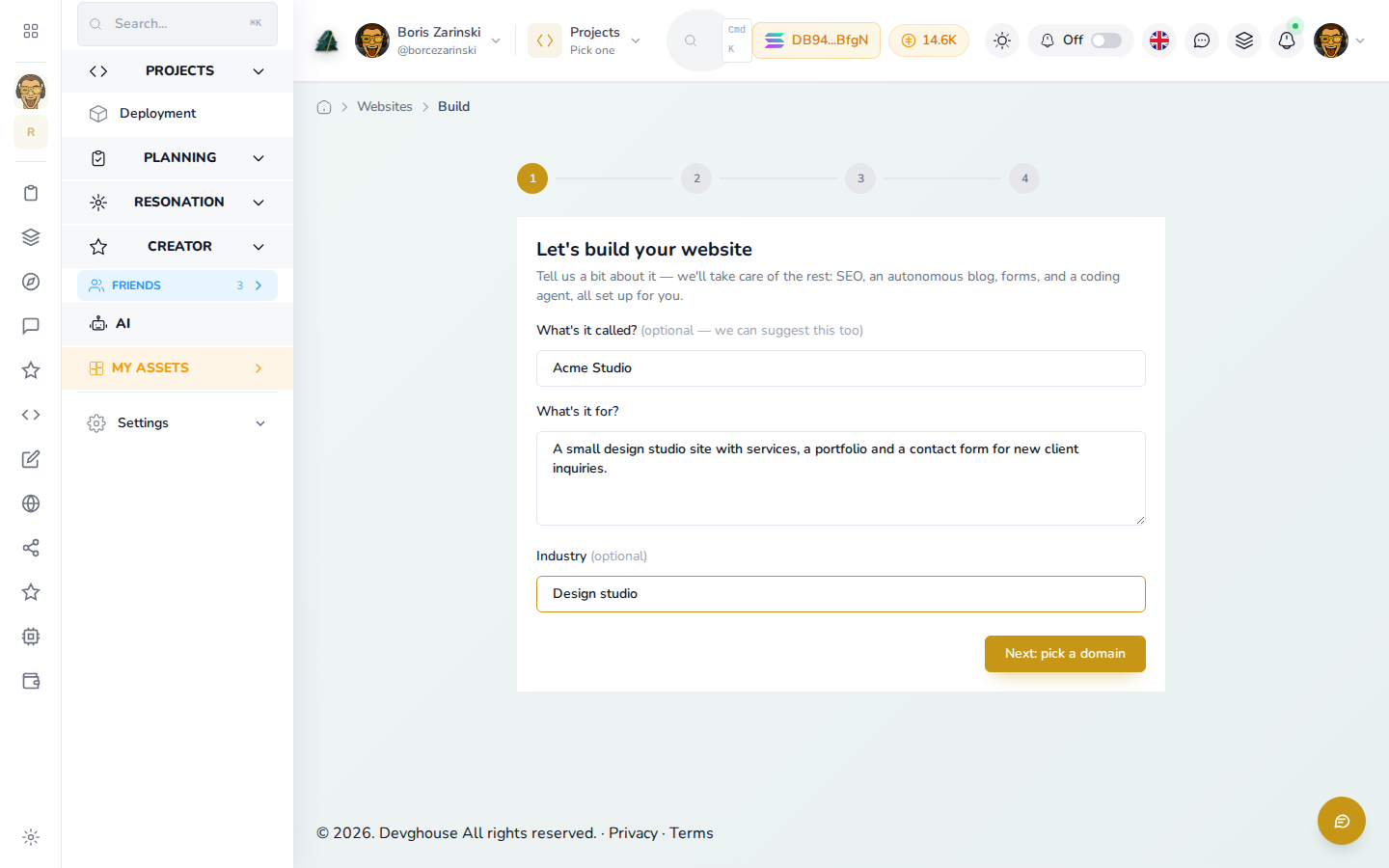
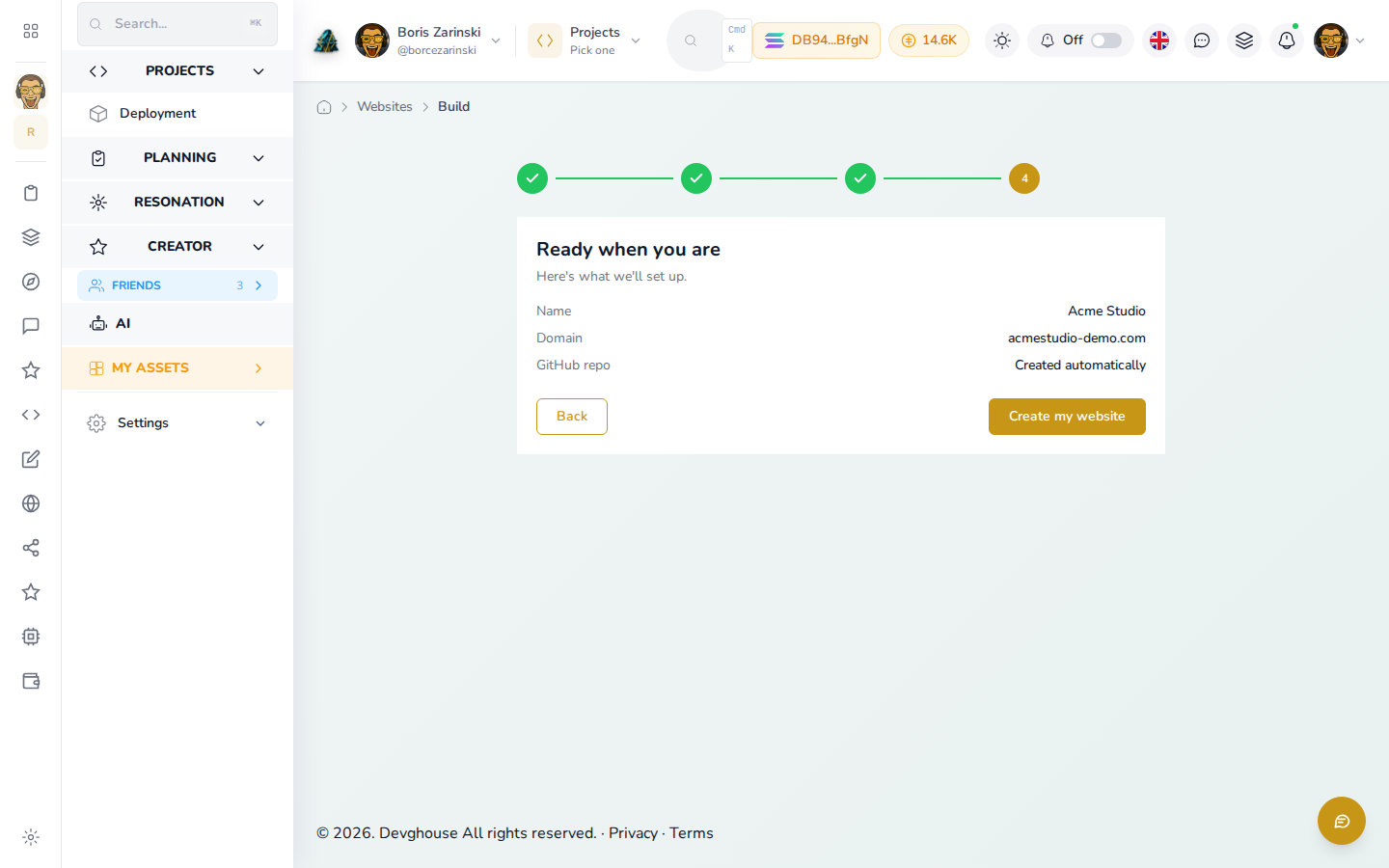
The onboarding funnel showing the import path beside the build path with its static and database-driven modes

Inside the builder

Every path into a website you own.

Import a URL

Point us at the site you already have.

Paste the URL and Websites pulls in your pages, your brand assets, and your metadata, then rebuilds them on the platform. Your site stops aging the day you connect it, and you keep the content you already wrote.

  • Pages, brand, and metadata extracted
  • Your content kept, the shell modernized
  • Becomes a website record you manage
Import a URL

A site URL pasted into the funnel with its extracted pages, brand, and metadata

Describe a new site

A sentence is a fine place to start.

Tell the builder what your business does and what the site needs to achieve. There is no drag-and-drop canvas to learn, because describing the outcome is the interface.

  • Plain-language brief, no canvas to learn
  • Capabilities picked as you go
  • A real website record at the end
Describe a new site

The build path with a plain-language brief describing a new site

Static mode

Generated into a repo you own.

Static builds are generated from your details, and connecting GitHub creates a private repository in your own account holding the finished build. Host it anywhere you like, or deploy it to Vercel in one click from the dashboard and get a live URL back. Hand-edit it whenever the AI is not enough.

  • Private repo in your own GitHub account
  • One-click deploy to Vercel with a live URL
  • Host it anywhere, hand-edit any time
Static mode

A static build landing as a private repository in a personal GitHub account

Database-driven mode

A site the dashboard keeps editing.

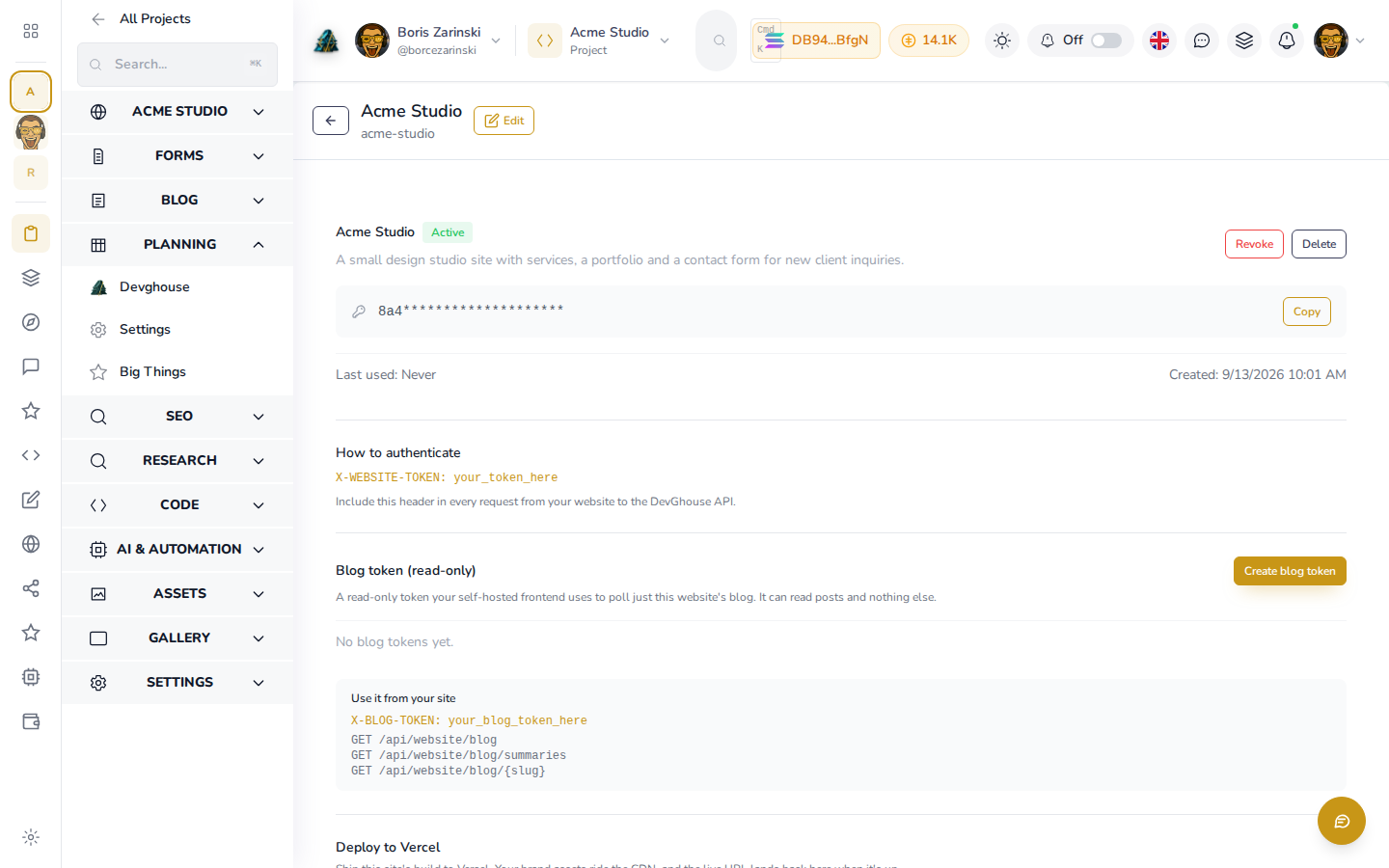
A database-driven site consumes the platform content rails over its website token, so page meta, blog, forms, and products stay editable from the dashboard and by your routines. Nothing needs a deploy to change.

  • Content pulled over the website token
  • Editable from the dashboard and by routines
  • No deploy to publish a change
Database-driven mode

A database-driven site pulling its meta, blog, forms, and products from the rails

GitHub connection

The connection is always yours.

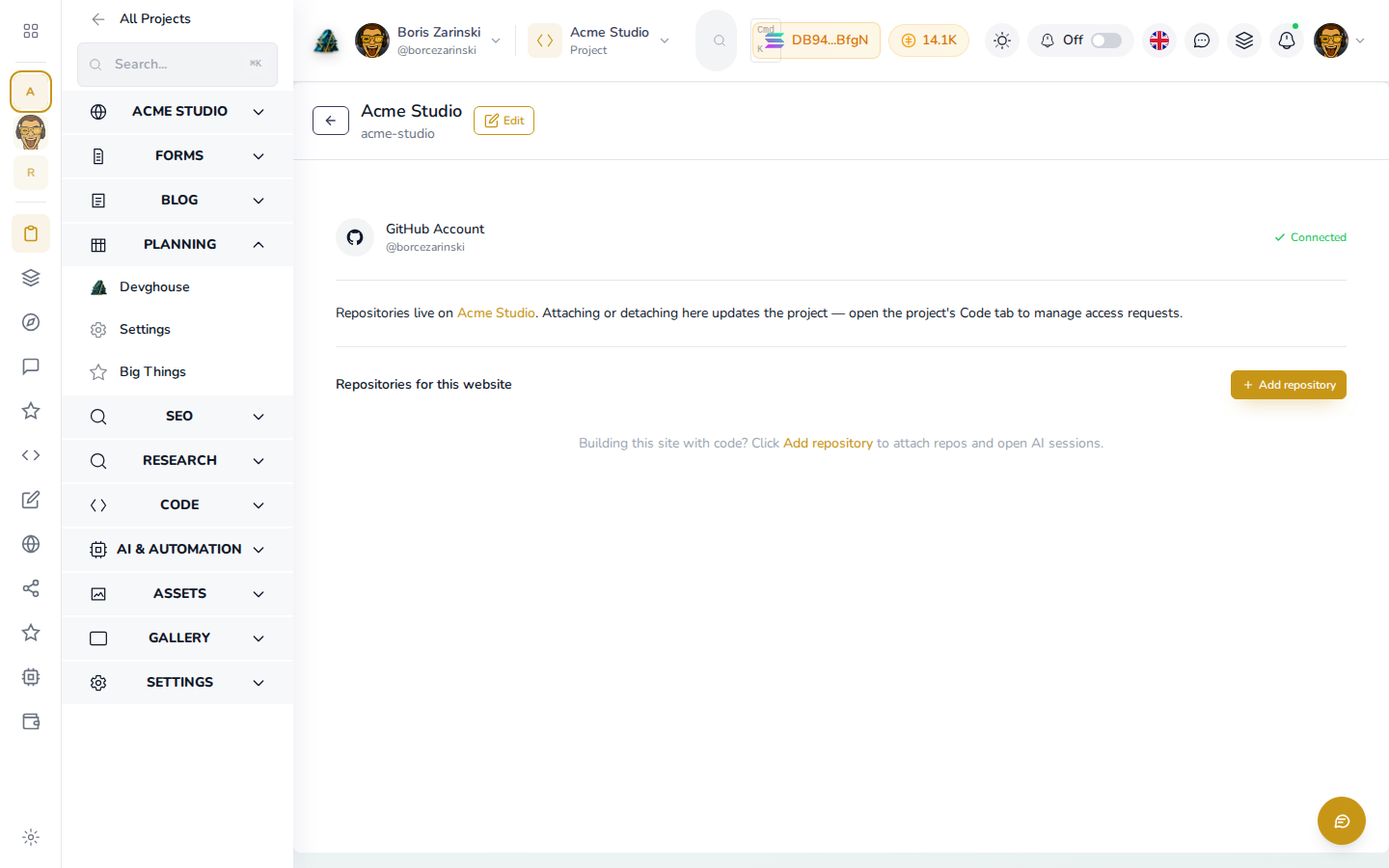
Your GitHub connection is personal and follows you into whatever realm you work in, so a repo is created in your account rather than a company vault you cannot reach. Link one repo or many, set a role per repo, and let teammates request access.

  • Your personal connection, even inside a realm
  • Link many repos, one role each
  • Teammates request access in place
GitHub connection

The Code tab with several linked repositories and their per-repo roles

Common questions

What you get, and what you keep.

Who owns the code?+

You do. A build creates a private repository in your own GitHub account, and you can clone it whenever you like.

Can I edit the site by hand afterwards?+

Yes. A static build is real source in your own repo, so there is no proprietary editor standing between you and the code.

What is the difference between static and database-driven?+

Static is generated from your information into your own repo and hosted anywhere. Database-driven consumes the platform content rails over its token, so the dashboard and routines keep editing it live. The mode toggle arrives with the builder slice; today a new build lands as owned source in your GitHub.

Do I lose my old content if I import?+

No. Importing extracts your pages, brand, and metadata and rebuilds them on the platform, so your content comes with you.

Is my GitHub connection shared with a realm?+

No. The GitHub connection is always your own and follows you into whatever realm you work in.

Your code, your account

Get the site built without signing away the source.

Import a URL or describe a brief. Both land as a real website record in your dashboard, and a build lands as a private repo in your own GitHub.

Start your website

See it in the docs, with video