
Websites that run themselves
Manage your website, create a website from scratch.SEO on steroids, blog on autopilot.
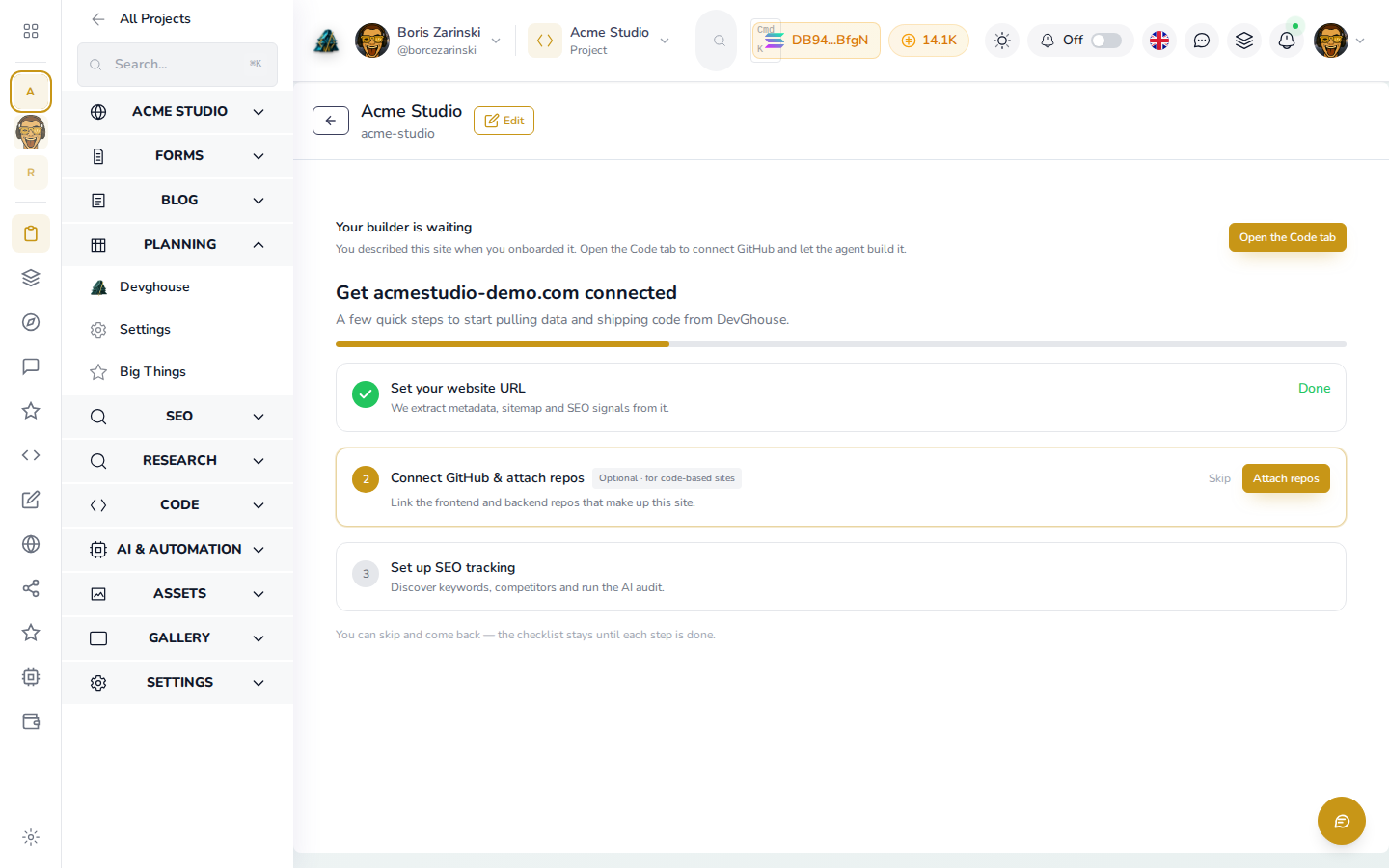
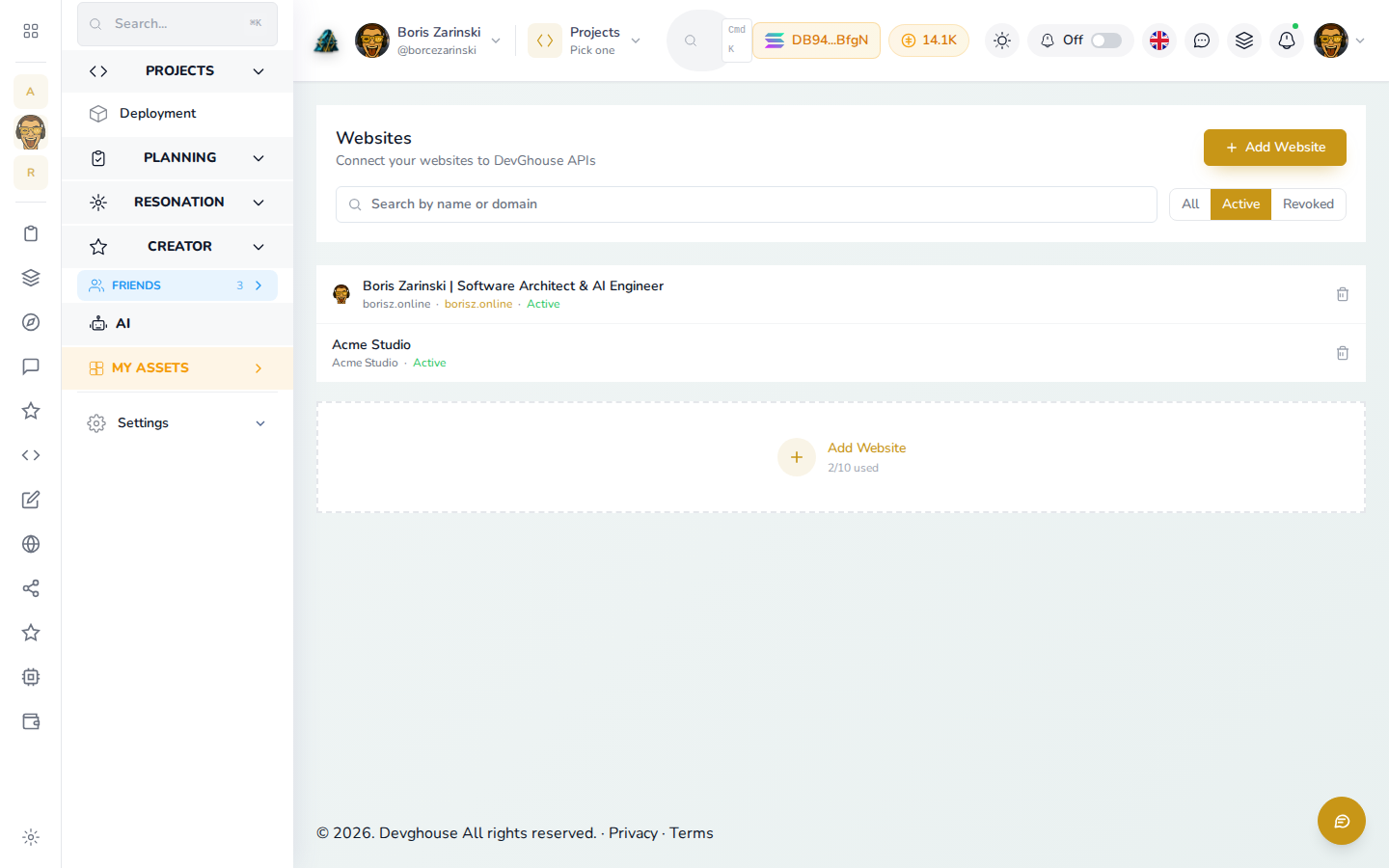
One dashboard does the jobs you pick: import and modernize the site you already have, build a new one straight into your own GitHub, or turn on a single tool like the SEO suite, the blog autopilot, or lead forms. No developer, no retainer, no all-or-nothing.
The same website system runs every DevGhouse product site. One account, one dashboard, no monthly retainer.
Websites that run themselves
Everything a site needs to earn its keep, in one dashboard.
Launch it, lift it in search, publish the blog, answer every lead, and keep the source in your own GitHub. Turn on only the parts you need, and let routines run the rest.
SEO suite
Know exactly what to fix, and why it matters.
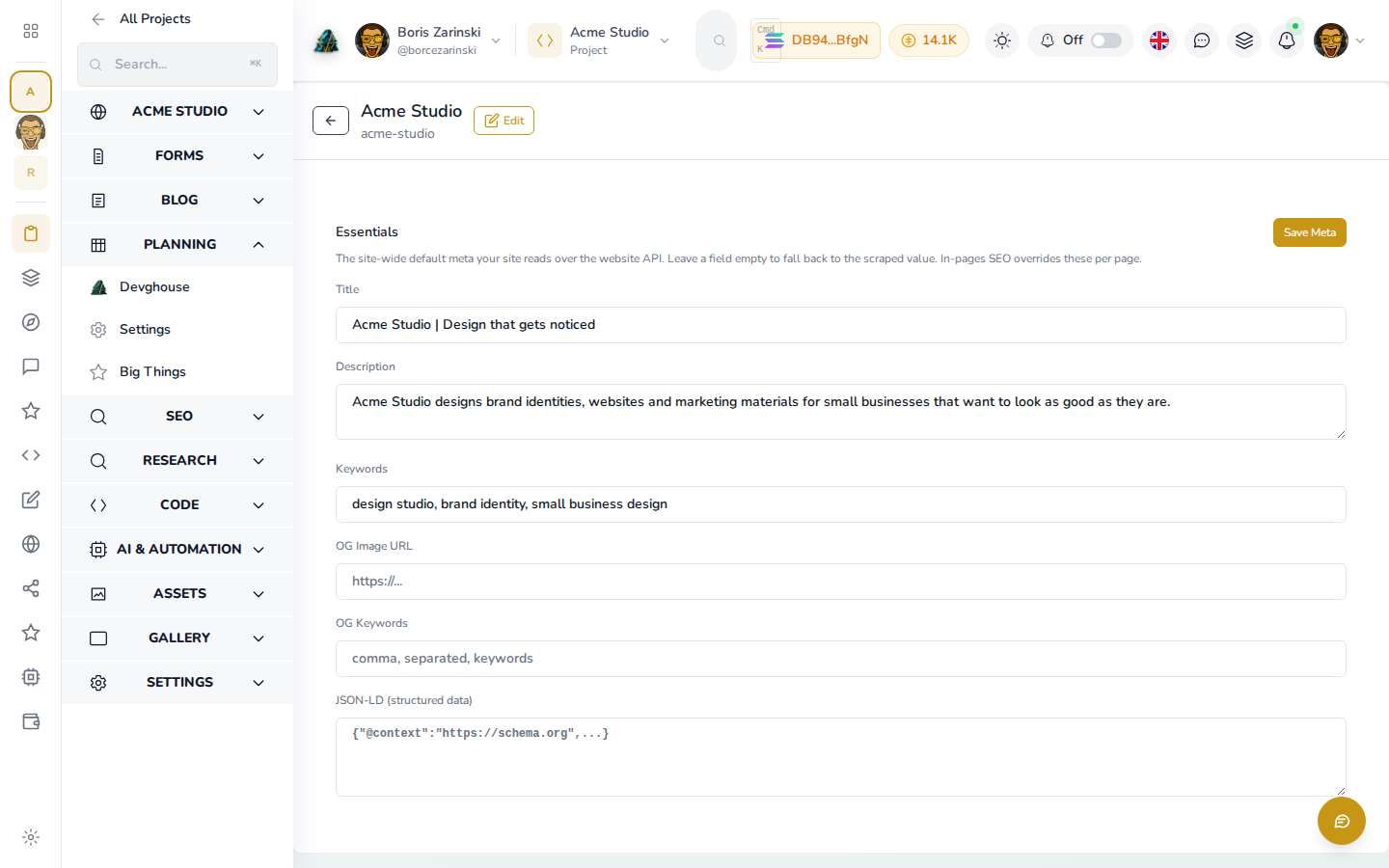
The SEO tab audits your site, tracks the keywords you want, and watches what your competitors rank for. It also stores your buyer personas, their pains and their desires, so every fix is aimed at a real customer instead of a vanity score.
- Site audits with ranked actions
- Keyword and competitor tracking
- Buyer personas with pains and desires
- Search Console sitemap and indexing
The SEO tab showing an audit score, ranked fixes, tracked keywords, and competitor movement
Performance
Catch a slow page before your visitors feel it.
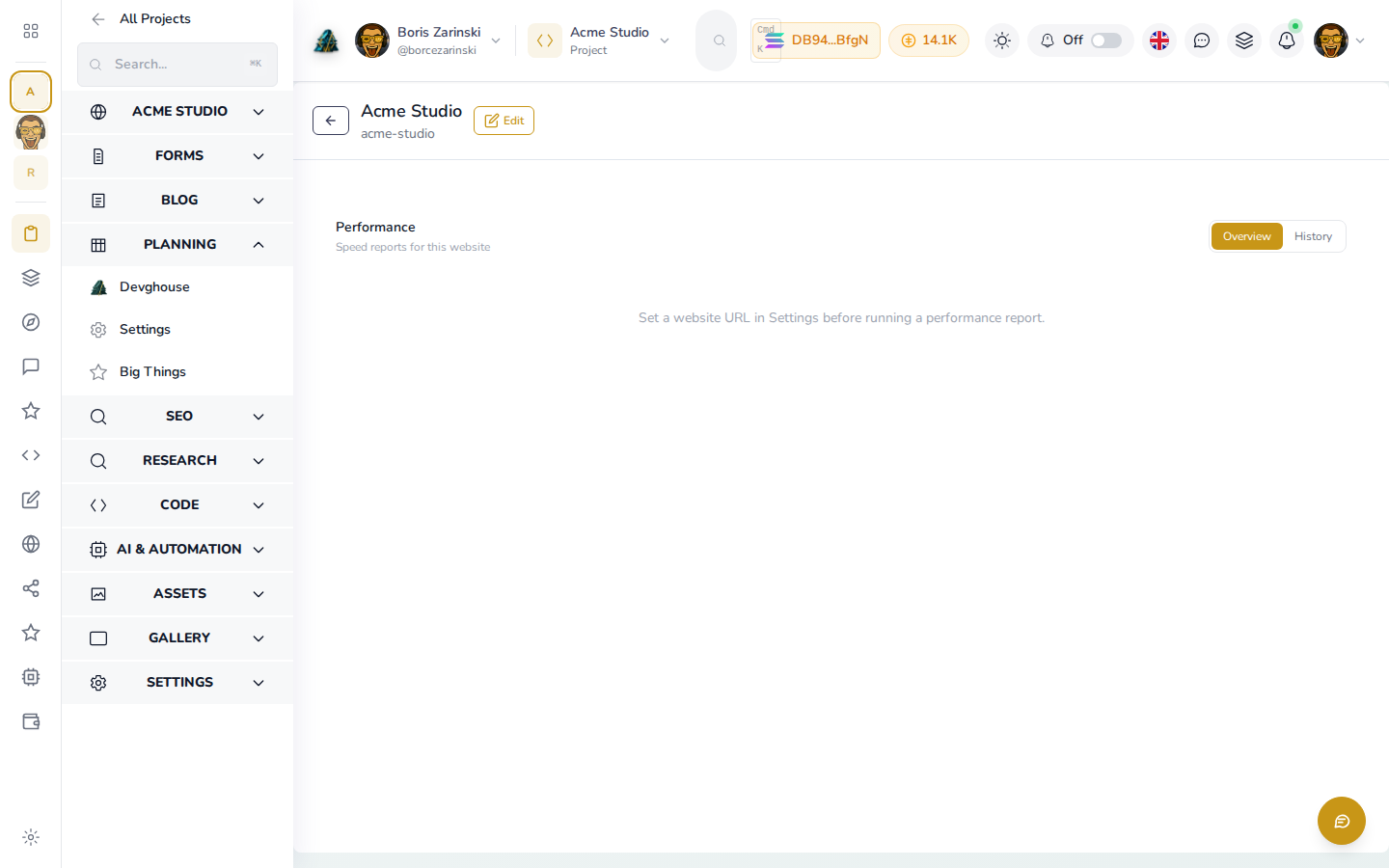
Performance runs the platform's own Lighthouse engine on demand and on a schedule, no third-party account, and keeps the history. You see the trend, not a single snapshot, so a page that gets heavier over time shows up while it is still cheap to fix.
- Lighthouse runs on demand
- Scheduled checks with full history
The Performance tab with a Lighthouse score and a history chart of past runs
Blog autopilot
A post a week, without you writing it.
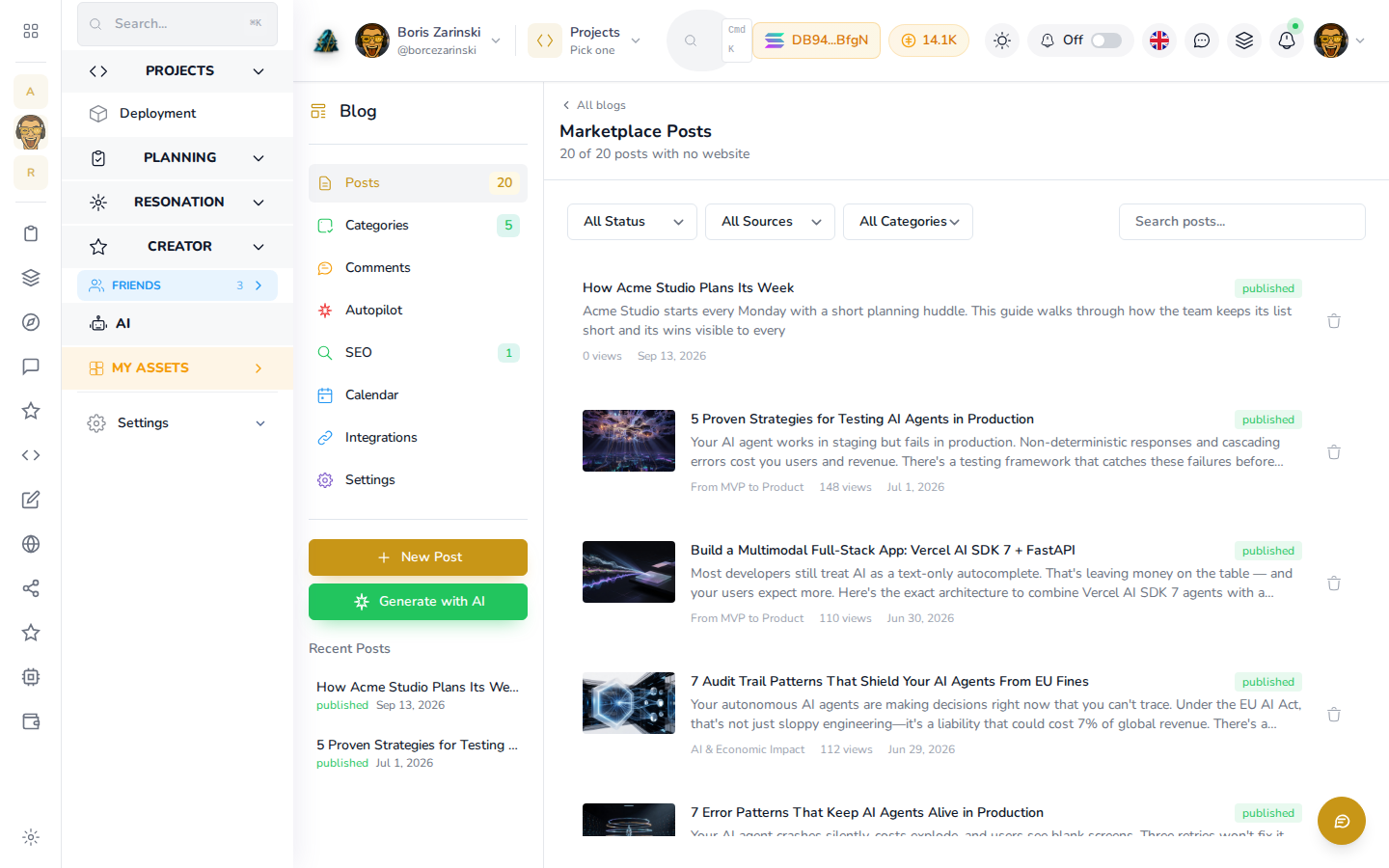
Autopilot finds the topics worth covering, drafts the post, schedules it, and tweets it when it goes live. Your blog stops dying the moment the quarter gets busy, and your keyword research finally turns into shipped pages.
- Topic discovery from your keyword gaps
- AI drafts you review and edit
- Scheduling with auto-tweet on publish
- Bring an existing WordPress or Squarespace blog
The Blog tab with a content calendar, a discovered topic list, and a scheduled draft
Forms and the lead inbox
Never lose a lead again.
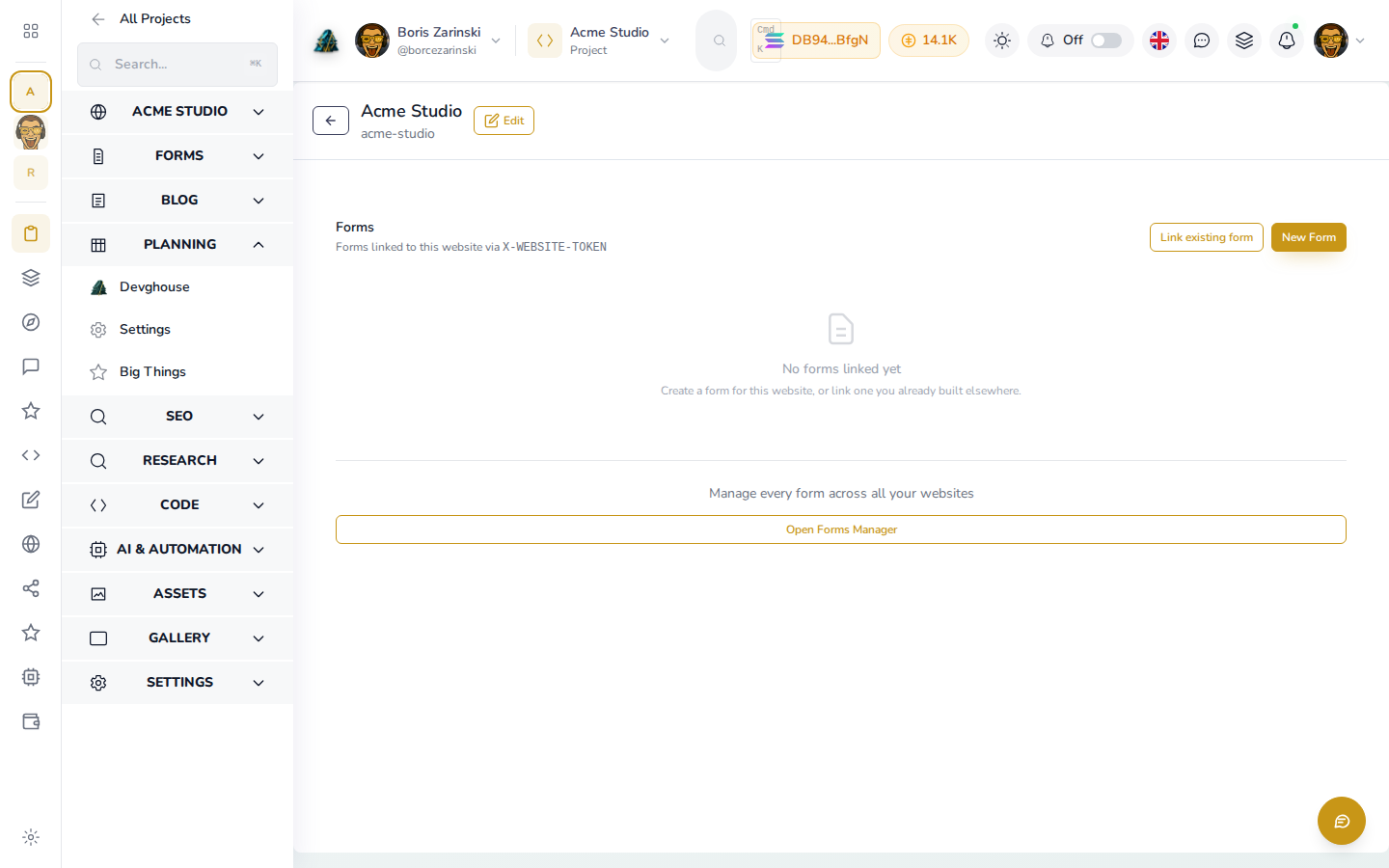
Build the forms your site needs, and every submission lands in one inbox instead of an address nobody checks. Reply from the same screen with saved email templates, so a new enquiry gets an answer the same day.
- Build any form your pages need
- One inbox for every submission
- Reply in place with saved templates
The Forms tab with a submission inbox and a reply composed from a saved template
Retail & Online stores
Sell from the same site, without the app tax.
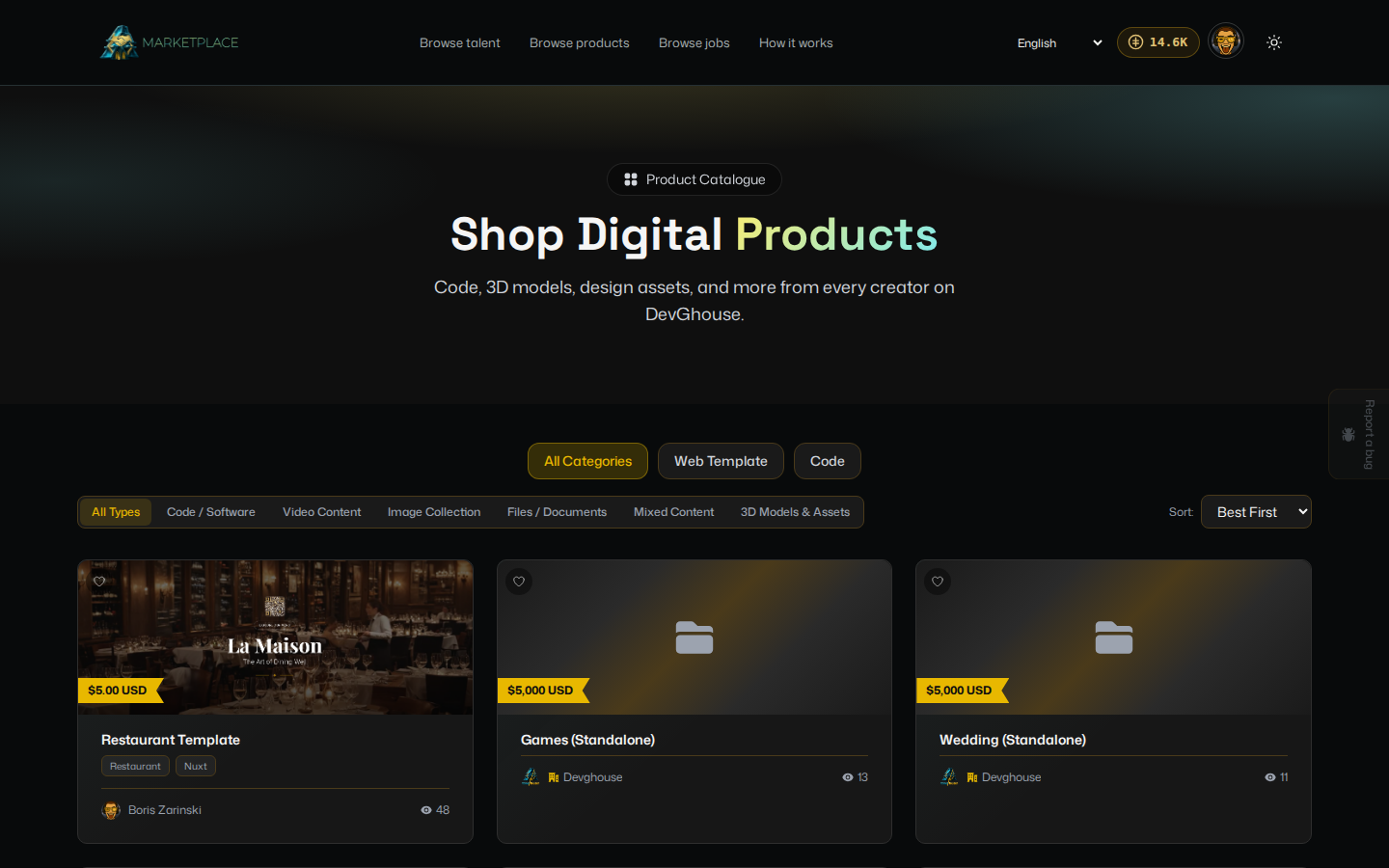
Run a product catalogue with image galleries, descriptions, and pricing served straight from the platform, checked out through the shared crypto rails. Your catalogue, your SEO, and your blog stop living in three disconnected tools. Point the bulk image fetcher at the catalogue and product photos fetch themselves, stoppable mid-run, while AI drafts the descriptions you never had time to write.
- Product catalogue with galleries and pricing
- Bulk image fetcher across the whole catalogue
- AI-drafted product descriptions in bulk
- Crypto checkout on the shared rails
A live storefront product page beside the catalogue that manages it
Testimonials
Put your proof where buyers look for it.
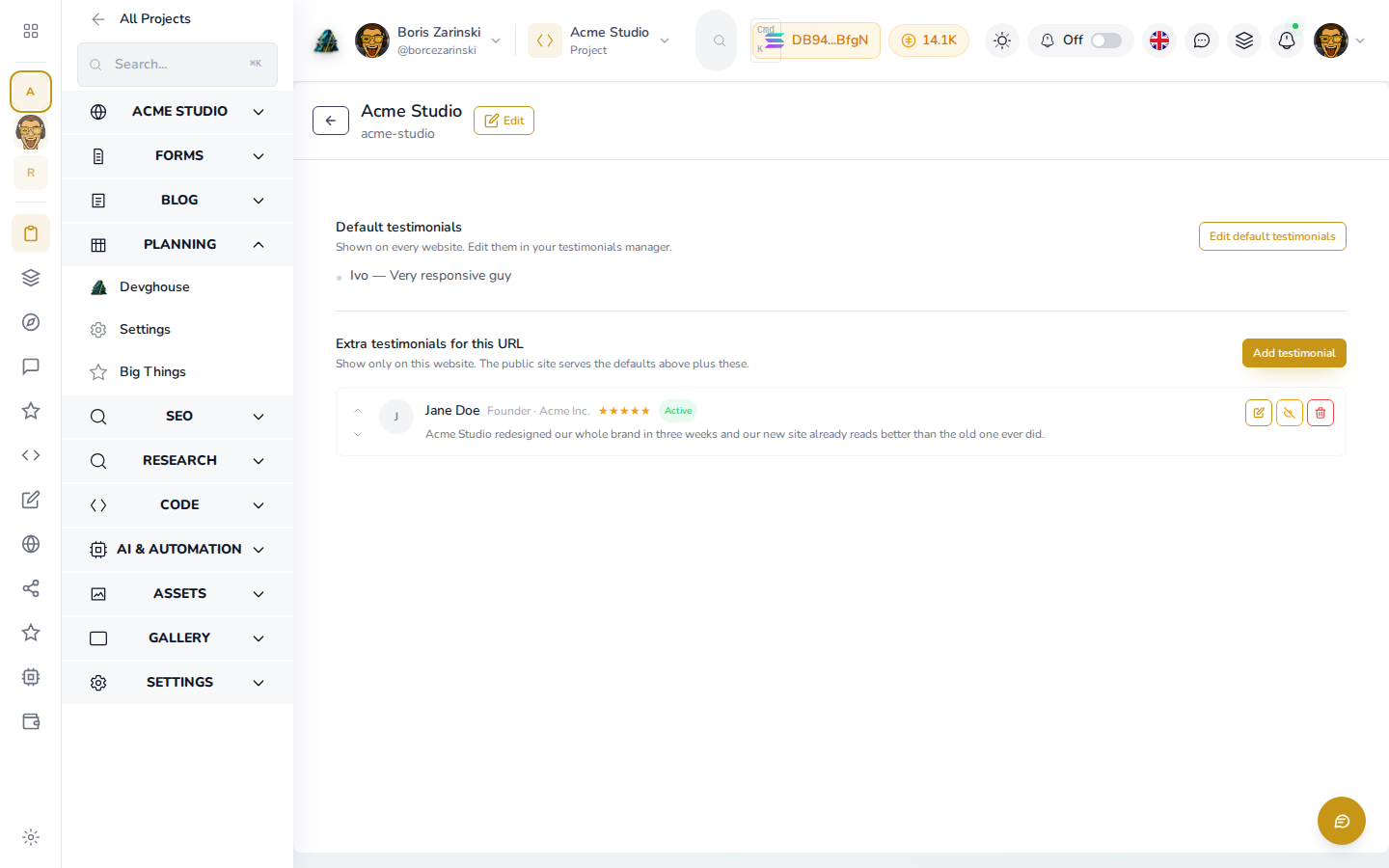
Collect the kind words you already get, order them the way you want, and serve them straight to the live site. No plugin, no extra subscription, no copy and paste into a template.
- Manage and reorder in the dashboard
- Served live over your website token
The Testimonials tab beside the live site section it feeds
Team
Show the people behind the business.
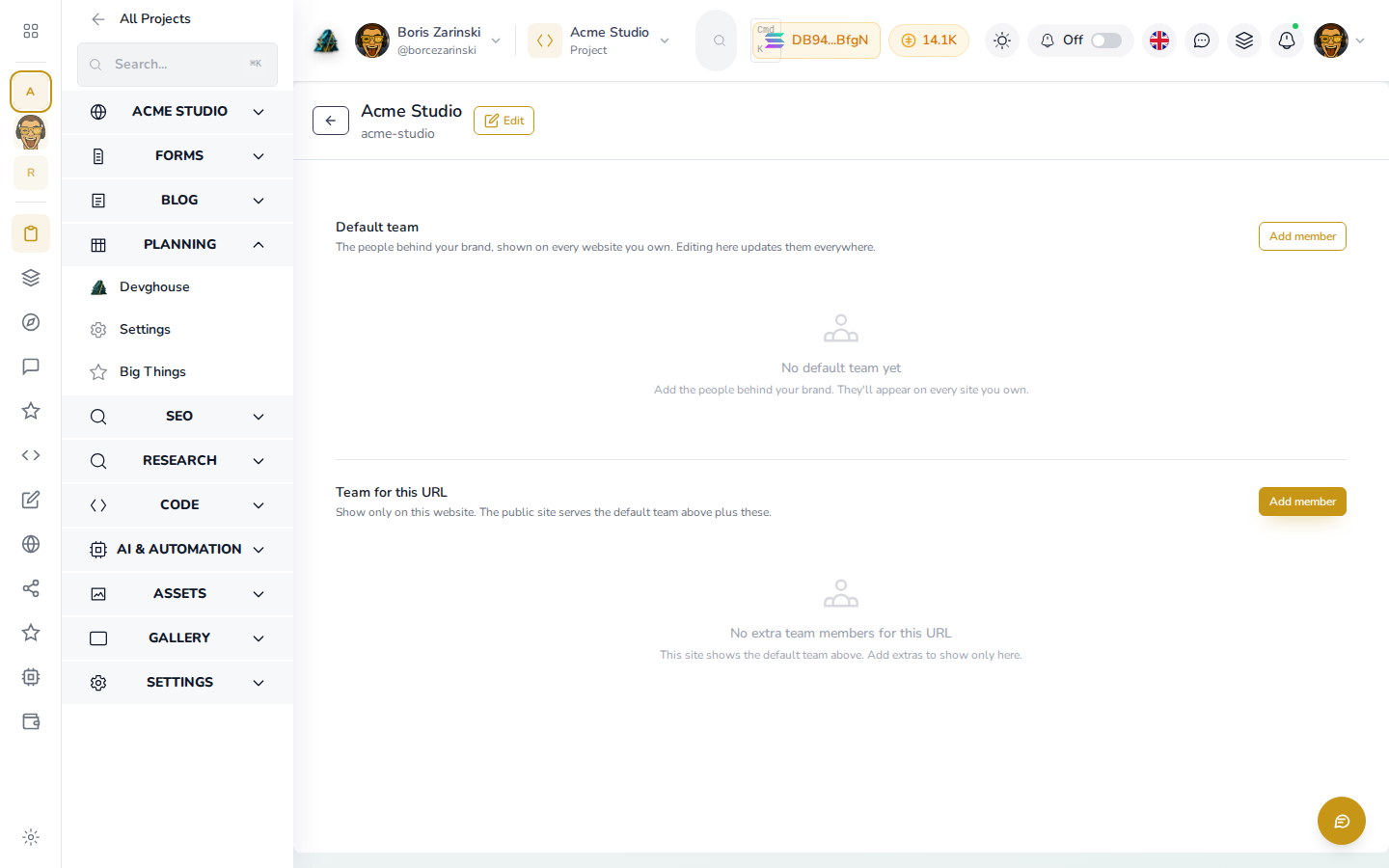
Your team page is a dashboard list, not a code change. Add a person, reorder the lineup, and the live site updates itself the next time a visitor loads the page.
- Add, edit, and reorder people
- No deploy to publish a change
The Team tab with member cards and the live team section they render into
Brand control
Your look, everywhere, at once.
The Brand tab is the one control point for your favicon, avatar, logos, and hero art, with light and dark paired so both themes look deliberate. Upload once and the live site picks it up with no deploy.
- Favicon, avatar, and portrait or landscape logos
- Hero image and video, light and dark paired
- Served live over the brand payload
The Brand tab with light and dark hero art paired side by side
Assets and CDN
One home for every file your site serves.
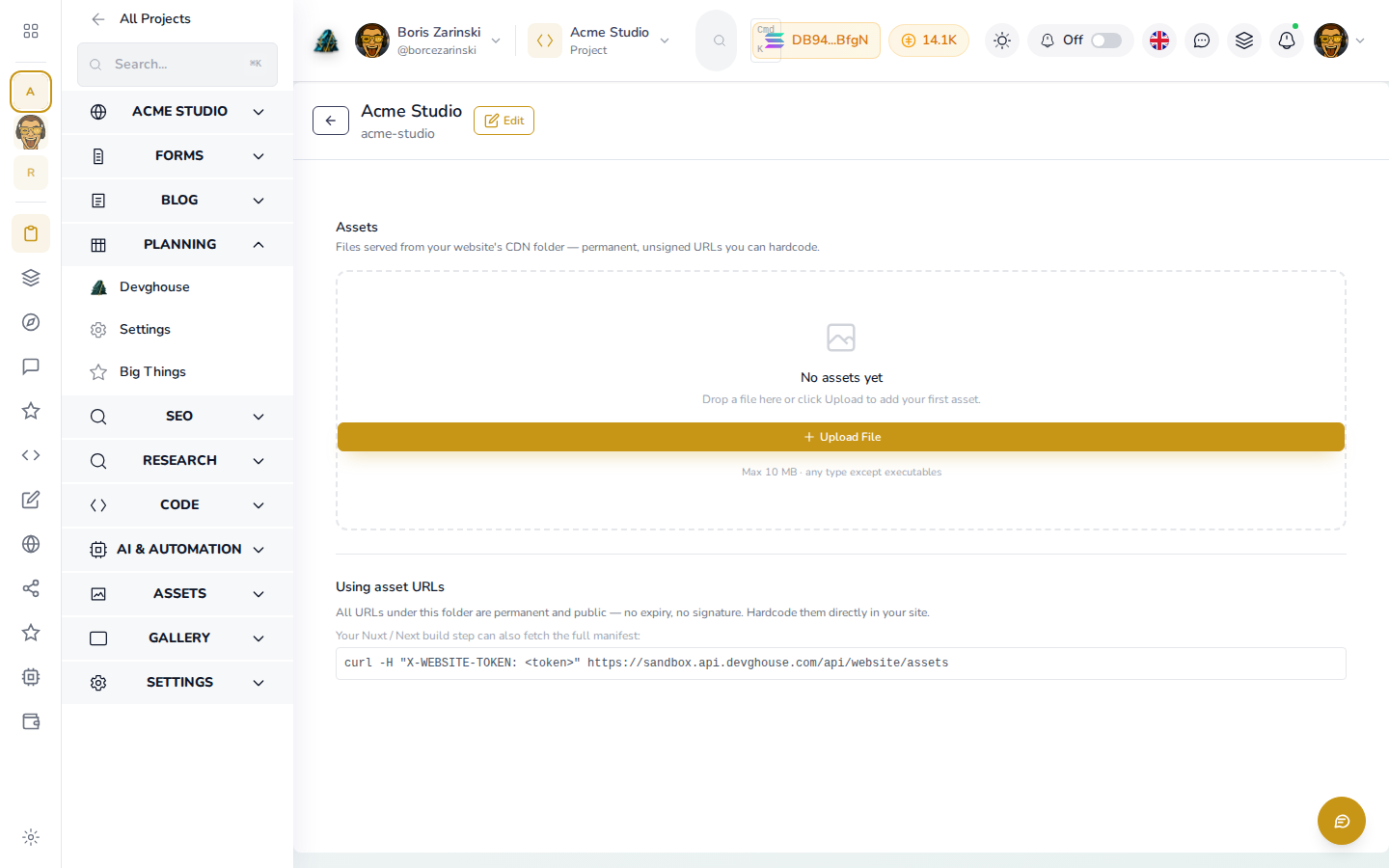
Each site gets its own CDN folder to upload, browse, and delete the images and files it uses. Your media lives beside the site that serves it, not scattered across a laptop and three cloud drives.
- Upload, browse, and delete in place
- A CDN folder scoped to this site
The Assets tab browsing the site CDN folder with an upload in progress
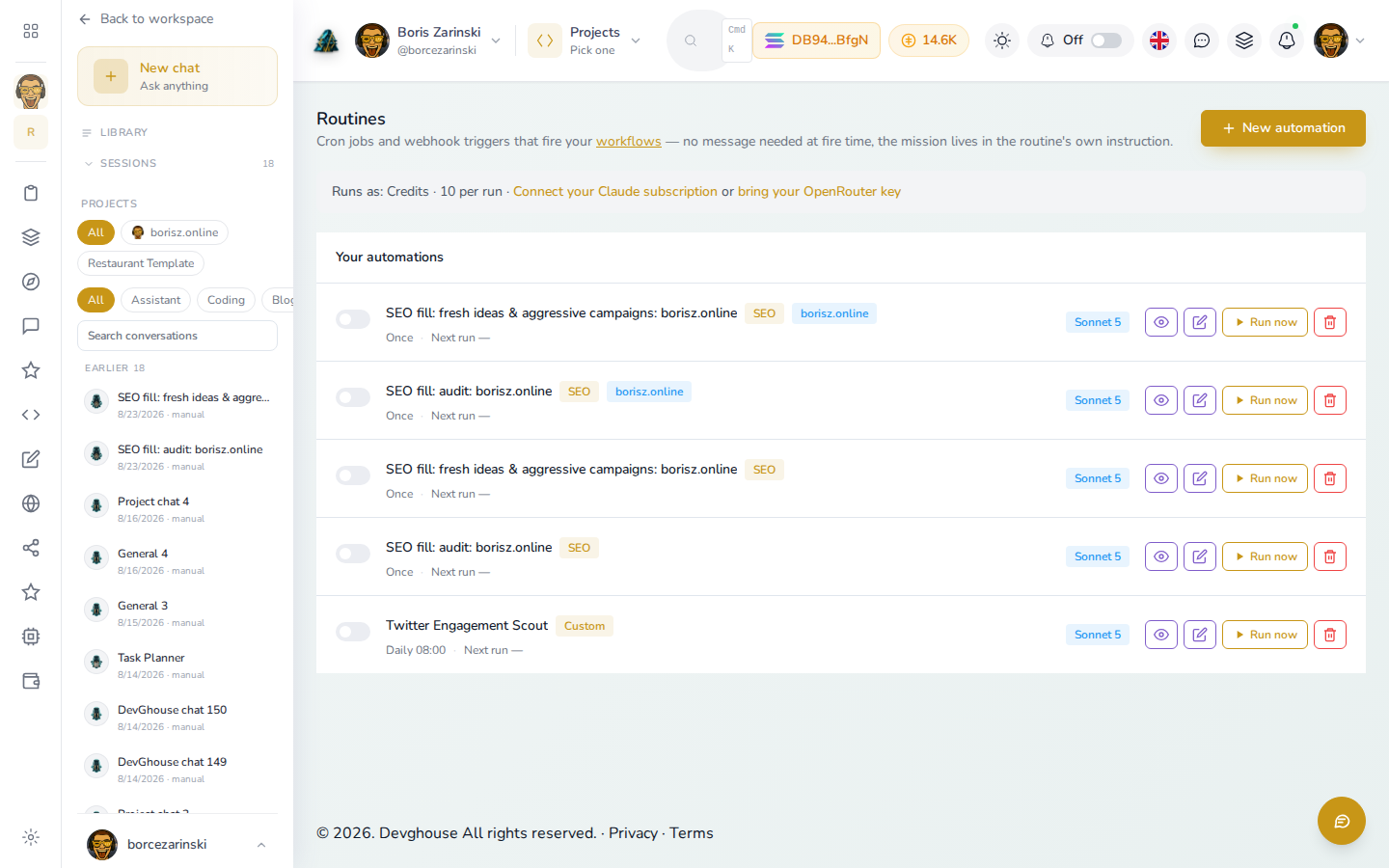
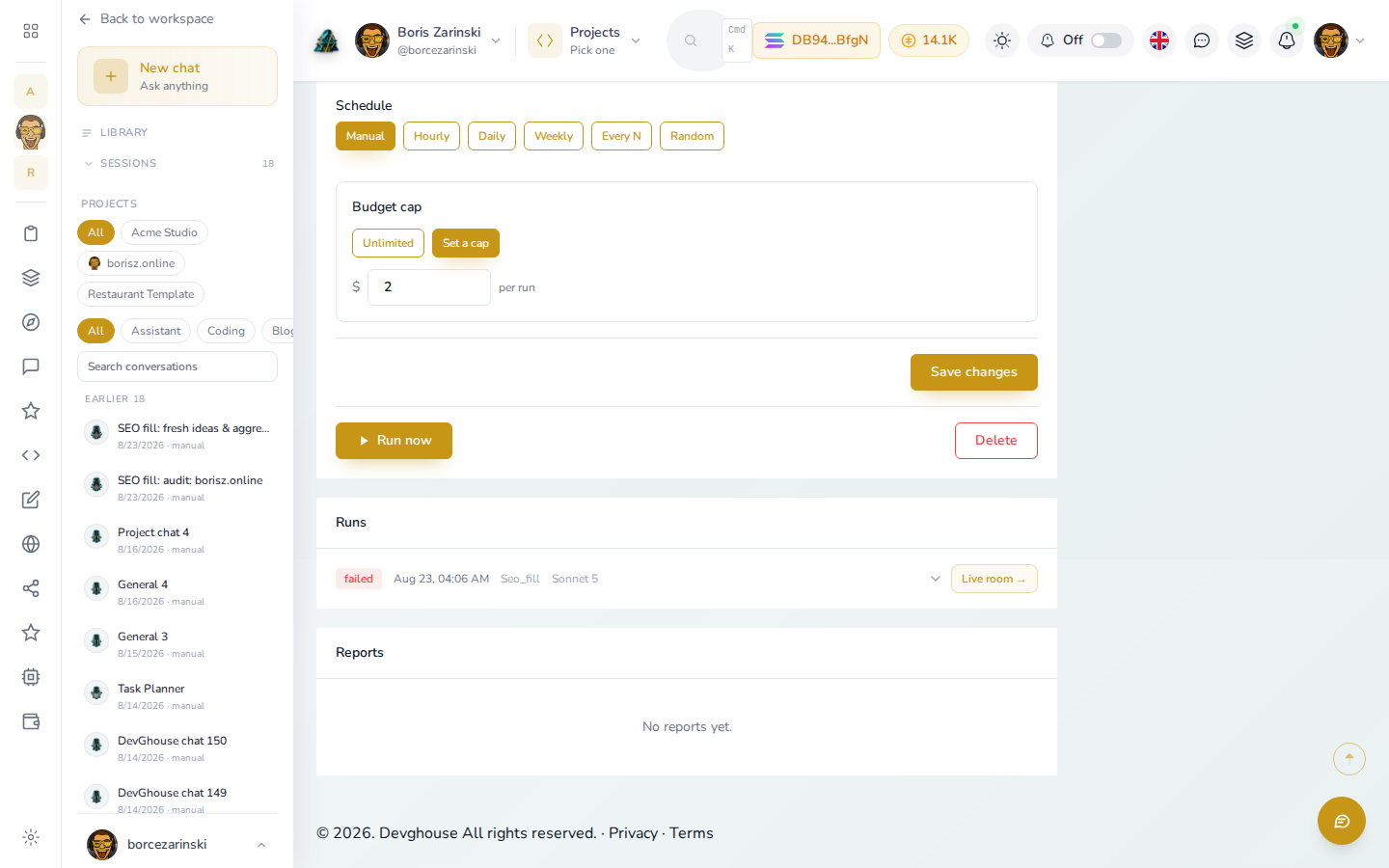
Routines
The site maintains itself, and proves it did.
Bind routines to a site and the SEO refresh and blog autopilot run on their own schedule. Every run is logged, so when a client asks what the maintenance actually paid for, you open the audit trail instead of arguing.
- Scheduled SEO refresh and blog autopilot
- A logged run for every action
- An audit trail per client site
The Routines tab listing bound automations and their logged run history
Autonomous
The site that files its own fixes.
Audits do not stop at findings. A slow page or a dropped ranking becomes a task, a routine picks it up at its scheduled time, and a real coding agent fixes it and pushes, with the run logged so you can see exactly what was done and why. That is the difference between a report and a result.
- A performance finding at 2am, a merged fix by 9
- SEO audit actions applied on schedule
- Every run logged, every change traceable
- You set the rhythm, the site does the work
A routine run log showing an audit finding turned into a pushed fix
Code and GitHub
Your code stays yours, in your own account.
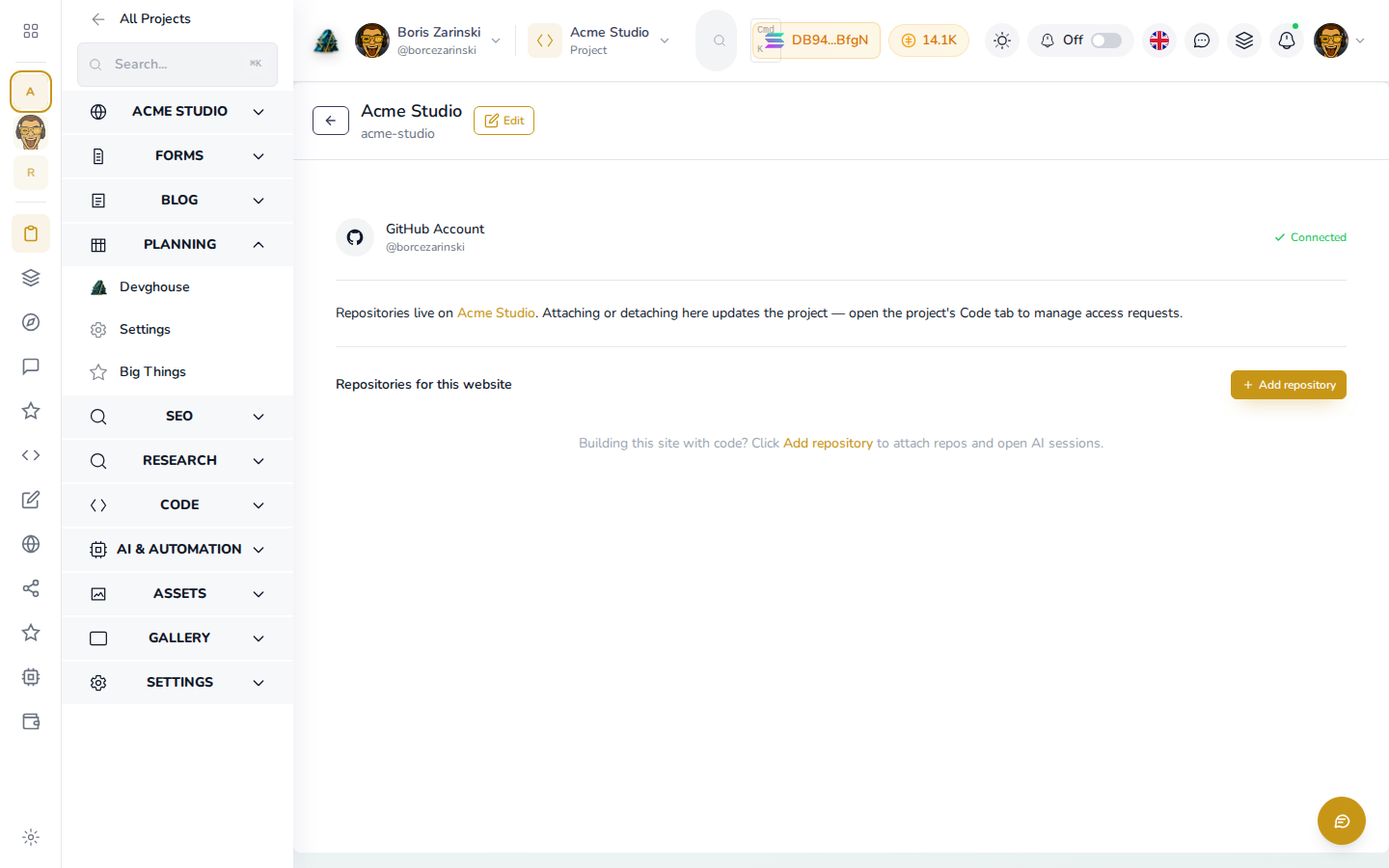
A new build lands as a private repository in your own GitHub, and you can link one or many repos with a role per repo. Teammates request access instead of sharing a password, and your exit is always one git clone away.
- Private repo in your own GitHub account
- Link many repos, one role each
- Teammates request access in place
The Code tab with linked GitHub repositories and their per-repo roles
API token
Your site reads its own content, safely.
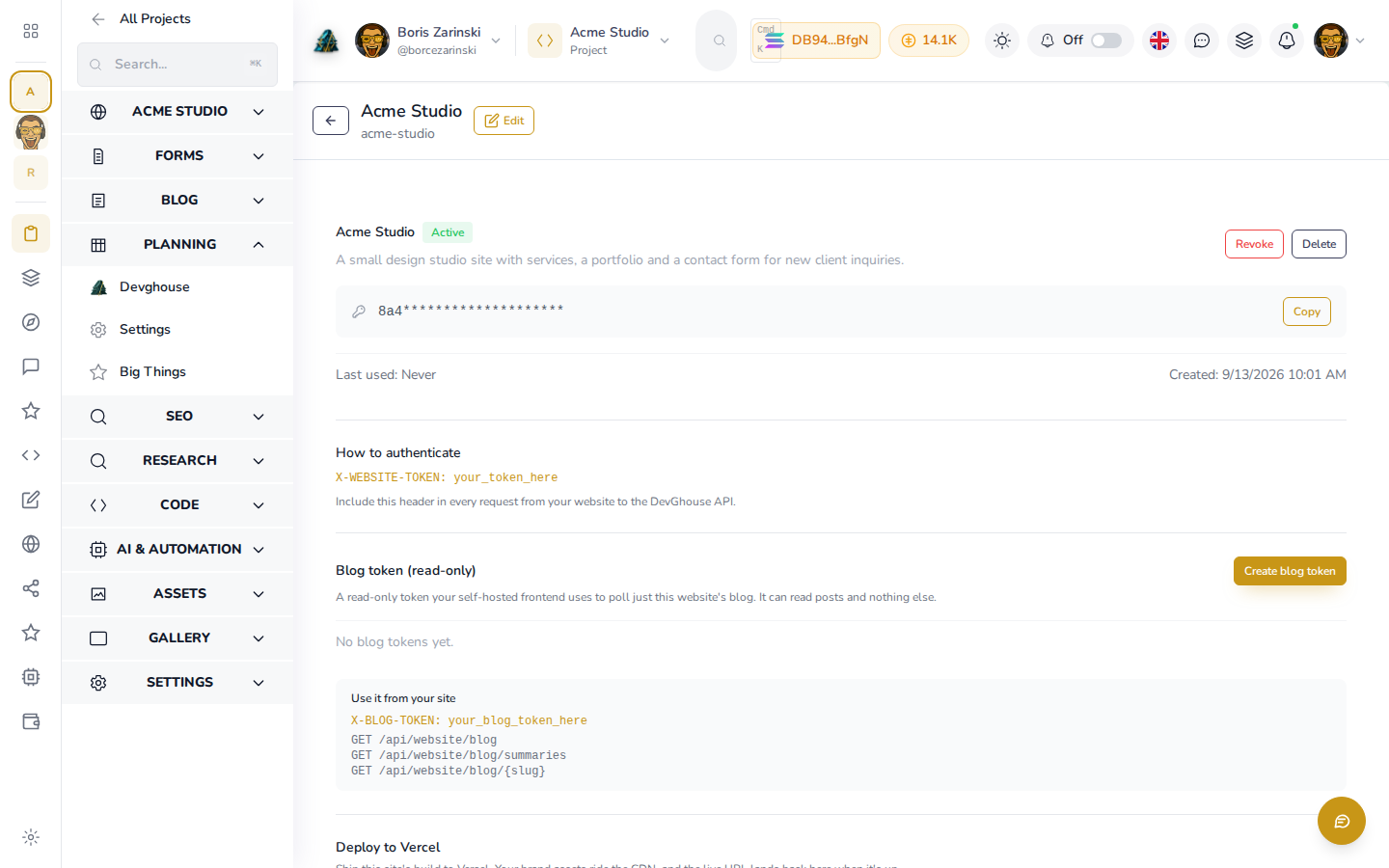
Every website gets a read-only token, and that is what the live site uses to pull its meta, blog, forms, and products. It can read your content and nothing else, so publishing is never a security trade.
- Read-only by design
- Feeds meta, blog, forms, and products
The API Token tab showing a masked read-only website token
Settings and domains
Run it on your own address, with only the parts you want.
Settings is where the site URL, the capability toggles, and your Google tag live. Connect a custom domain, verify it by DNS, and turn SEO, blog, or GitHub on and off as your needs change.
- Custom domain with DNS verification
- Capability toggles for github, seo, and blog
- Google tag in one field
The Settings tab with a custom domain verified and the capability toggles visible
Bring the site you already have
Point us at your old site. We import it, modernize it, and keep it current.
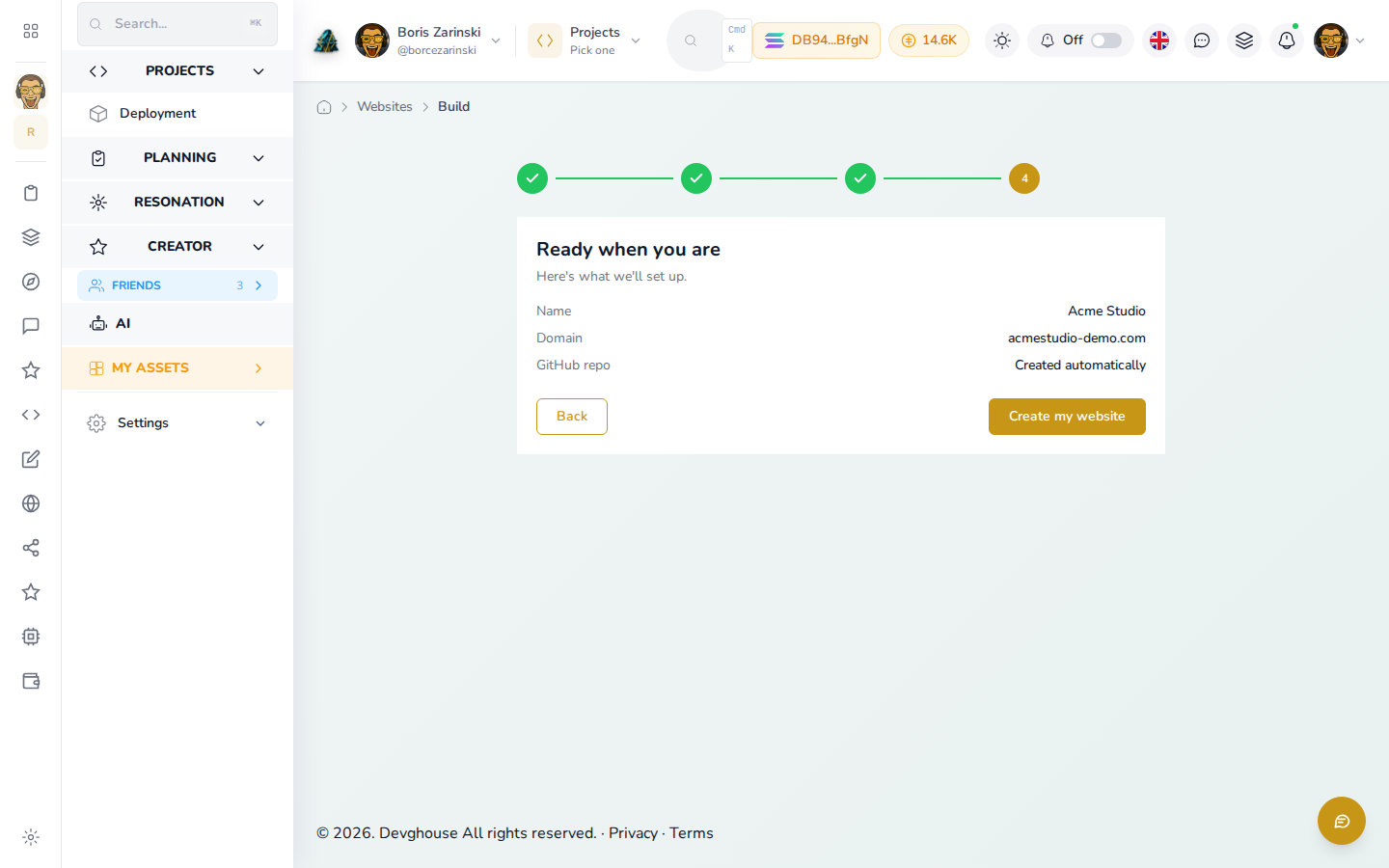
Paste a URL and Websites pulls in your pages, brand, and copy, then rebuilds them on the platform. Your site stops aging the day you connect it, and stays current from then on.
Import a URLBefore and after
Your old site
Aging pages, no analytics, last touched years ago.
On DevGhouse
Same content, modernized, with SEO, a blog, and lead forms kept current for you.
Two ways to build
Static
Generated from your details into a private GitHub repo you own and host anywhere.
Database-driven
Wired to the platform rails, so the dashboard and routines keep editing it live.
The static versus database toggle is arriving with the builder's first full slice. Today, a new build lands as owned source in your GitHub.
Build it your way
Describe a new site and get real, owned source.
The builder writes your site straight into a private GitHub repo in your own account, so the code is yours from day one. Choose a static build you host anywhere, fully disconnected from DevGhouse if you want, or a database-driven site the dashboard and routines keep editing.
Describe a siteBring your own AI
Your AI account builds it. Or ours does.
Every build and routine runs on one of four lanes. Connect your own Claude, Codex, or Kimi subscription and a run costs a flat 1 credit - your own plan pays the provider directly, the credit pays for the orchestration. No AI account? The DevGhouse Proxy needs nothing and is metered at real provider cost × 1.5. Failed runs always charge 0.
Your account
Claude Code
Connect your own Claude subscription via the native OAuth device flow. Runs execute as your own account.
Flat 1 credit per successful run - 0 on failure
Your account
Codex CLI
Bring your own OpenAI/ChatGPT account. Runs execute as your own account.
Flat 1 credit per successful run - 0 on failure
Your account
Kimi CLI
Bring your own Moonshot/Kimi account. Runs execute as your own account.
Flat 1 credit per successful run - 0 on failure
No account needed
DevGhouse Proxy
Nothing to connect - pick it and go. Metered at real provider cost x 1.5, charged in credits.
Real provider cost x 1.5 - 0 on failure
$1 = 100 credits - one credit balance across every DevGhouse app.
Integrations
Connect everything you use.
Your site keeps talking to the tools it already relies on. Use our provider subscriptions where we have them, or connect your own accounts. Every name below is backed by a real Websites, SEO, Blog, or Code path.
Do not see the tool you need? Ask us to connect it. Simple connections can be added quickly, and larger setups get a clear quote first.
Operator-managed pricing
See access and credit costs before work starts.
The operator controls Websites access and every metered action. This page reads those values live, so it does not promise a made-up plan or price.
Ready when you are
Start with a URL or a sentence. Add the rest when you need it.
Every path creates a real website record in your dashboard. Onboarding is free to start, and access plus credit costs always show before any paid work begins.
Start your websiteCommon questions
Know what you can manage today.
Do I need to know how to code?+
No. You can bring an existing website or describe a new one in plain language. The dashboard manages its content, SEO, blog, forms, and other tools.
Who owns the code?+
You do. A new build creates a private repository in your own GitHub account, and you can link one or many repos with per-repo roles from the Code tab.
What SEO tools are connected?+
DataForSEO powers audits, keywords, backlinks, competitor checks, and rankings. The platform's own Lighthouse engine handles performance checks. Google Search Console and Google Ads provide search and campaign data.
Where do form submissions go?+
They land in the Forms submission inbox for that website, where you can review and reply to them with saved email templates.
Can I sell products from my site?+
Yes. A site can run as a storefront with a product catalogue, image galleries, and pricing, checked out through the shared crypto checkout.
Can the site keep itself current?+
Yes. Routines bound to the site run SEO refreshes and the blog autopilot on a schedule, so the work continues after launch.
Choose your starting point
Bring the site you have, or describe the one you need.
Both paths create a real website record in your DevGhouse dashboard. Your source stays in your own GitHub when you connect a repository.
Path one
Already have a website?
Point us at it. We read the live pages and hand you the same dashboard as a site built here, with SEO, a blog, and forms on top.
Import a sitePath two
Don't have one yet?
Pick a context, choose the capabilities, and describe the site. The builder writes it into a private repo in your own GitHub.
Describe a siteKeep it working
Your website should keep helping after launch day.
Start with a URL or a plain description. Add SEO, a blog, forms, and source control from the same dashboard when you are ready.
Start your website